Multiple accounts, a clear choice
Link personal and work accounts to the same website, then choose the one for your current sign-in.
 Keycode for Safari
Mac beta
Keep your TOTP secrets on your key. Keycode fills the verification code on the website you choose.
The beta is available by invitation. App Store sales have not opened yet.
Mac · Safari · OATH-compatible YubiKey
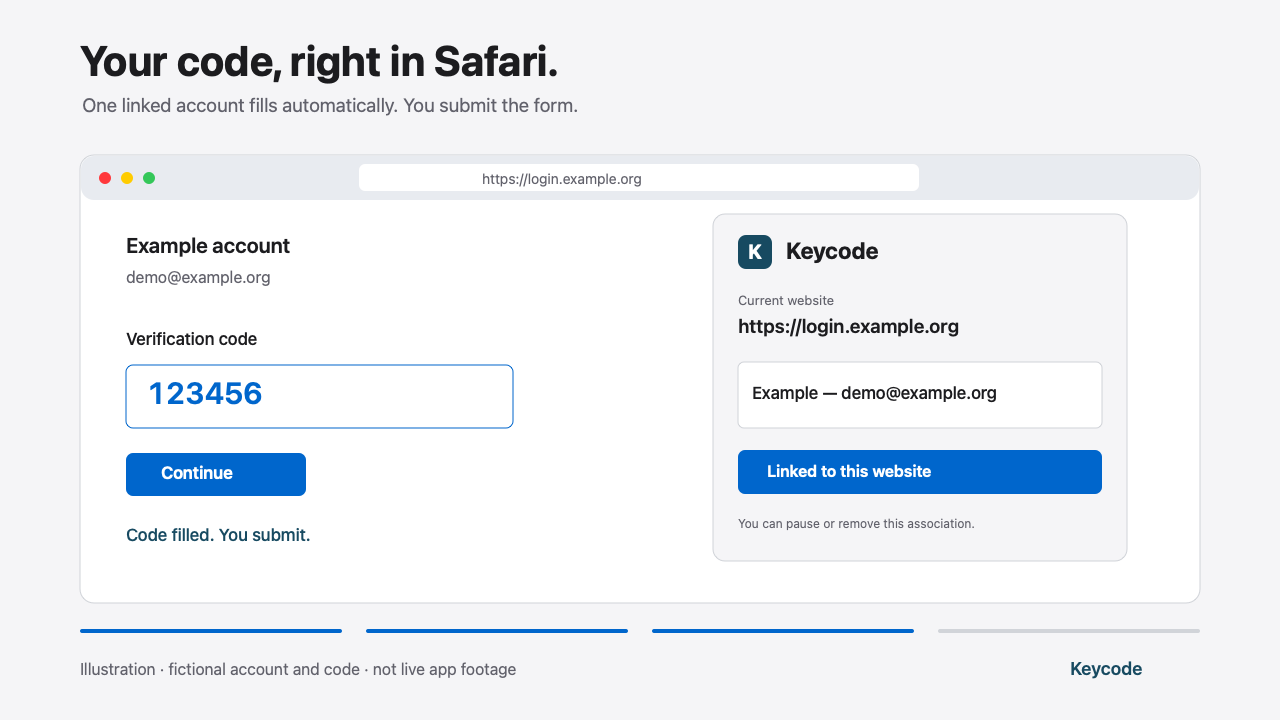
Connect your key, choose an account, and get your code right in Safari.
Illustration using a fictional account and code. This video is not a recording of a real sign-in.
Your TOTP accounts are already configured on a compatible YubiKey, with CCID enabled.
Check the HTTPS address shown. An account is used only on the exact origin you confirm.
A single linked account fills automatically. With multiple accounts, choose the one for each sign-in.
Link personal and work accounts to the same website, then choose the one for your current sign-in.
Save the OATH password on this Mac if you wish. Reusing it requires Touch ID or macOS authentication.
When no empty supported field is detected, the popup can display a temporary code for manual entry, until it expires.
Keycode supports Intel and Apple Silicon Macs with macOS 13 and Safari 17 or later. You need an OATH-compatible USB YubiKey with CCID enabled and TOTP accounts already configured, for example using Yubico Authenticator.
FIDO-only Security Key devices, iPhone/iPad, HOTP and Steam codes are not supported. Some forms require manual entry. The application interface is currently in French.
Account selection and code filling directly in Safari. TOTP secrets stay on your YubiKey; Keycode does not add or export them.
Access to the key is included in the macOS application. No separate companion installer, Python or Homebrew is needed.
The extension processes data locally. The linked website receives the filled code, as it would with manual entry. No online account or analytics SDK is included.
Email us with your macOS/Safari versions and key model. Invitations are sent individually after checking compatibility. Never include a secret or sign-in code.
Help us test the forms you use every day. We are looking for an initial group of 10–15 pilot users.
Request beta accessBase price in France. App Store prices may vary by country.